David, a final-year student, shared his thesis questionnaire in three class group chats on Monday and found 200 responses waiting by Wednesday, some of them surely from friends who tapped the same option all the way down to get their evening back. How do you find those careless responses, and how do you write up what you checked? Set your exclusion rules before you collect, then combine a reverse-worded item pair, a minimum completion time, a check for identical answers across each scale and, where your tool records it, the time each answer took, and log every response you remove.
Those careless rows look exactly like the honest ones, and when a supervisor or examiner asks how the answers were checked, "they all looked fine" won't hold up in a methods chapter. This article explains why careless responses are so hard to see, why the attention checks you learned about in your methods class catch less than they used to, and what separates a considered answer from a quick click. It ends with the four checks in detail and a paragraph you can adapt for your methods section.
Why do careless responses look like honest ones?
Careless responses look like honest ones because a spreadsheet stores which option someone picked and nothing about how they arrived at it. A friend who reads "I find it easy to concentrate during online lectures", thinks about last week's lectures and picks 4 ends up in the same cell as a friend who tapped 4 on every item to finish faster.
The reasons are ordinary, which is why almost every questionnaire collects some. Your respondents answer as a favour, usually on a phone and often between other things, and nothing changes for them whether they read carefully or not. A long run of items on the same scale makes it worse, because after the tenth statement that looks like the ninth, tapping the same answer down the page (researchers call this straight-lining) starts to feel like a reasonable shortcut.
The cost lands on you. Careless answers add noise that has nothing to do with your variables, so a relationship you expected can disappear or one you didn't expect can appear, and your discussion chapter ends up explaining rushed clicking. That is why examiners ask how you checked the data.
Do attention checks still catch careless responses?
The usual defence against careless responses is an attention check, an item such as "For this statement, please select Strongly disagree" that only someone who reads it gets right. It still catches the classmate who isn't reading, so it is worth keeping, but it only tests whether a respondent follows an instruction, and following instructions is exactly what software does well.
In a study published in PNAS in November 2025, an AI agent passed 99.8% of 6,000 standard attention-check trials. If you recruit beyond your own classes through an online panel, you also have to plan for respondents who are not who they claim to be, since Rep Data, a survey-quality vendor, reports that it flagged between 21% and 38% of respondents from major panel sources as suspicious or fraudulent in 2025. So a passed attention check shows that someone followed one instruction, which makes it one useful layer, and a questionnaire you can defend needs at least one more signal that is hard to fake while rushing.
How does answer time give careless responses away?
The signal that is hardest to fake while rushing is time, because reading a statement and deciding where you stand takes a few seconds, while tapping the same option to get through takes almost none. A considered answer and a careless one can carry the same number, but they rarely take the same time.
Total completion time only catches the extreme cases. A respondent who reads the first page carefully and then races through the last twenty items can still finish in a normal-looking total, while time per question shows where they stopped reading. A long pause before a pick tells you something too, because it marks an item the respondent found hard to decide.
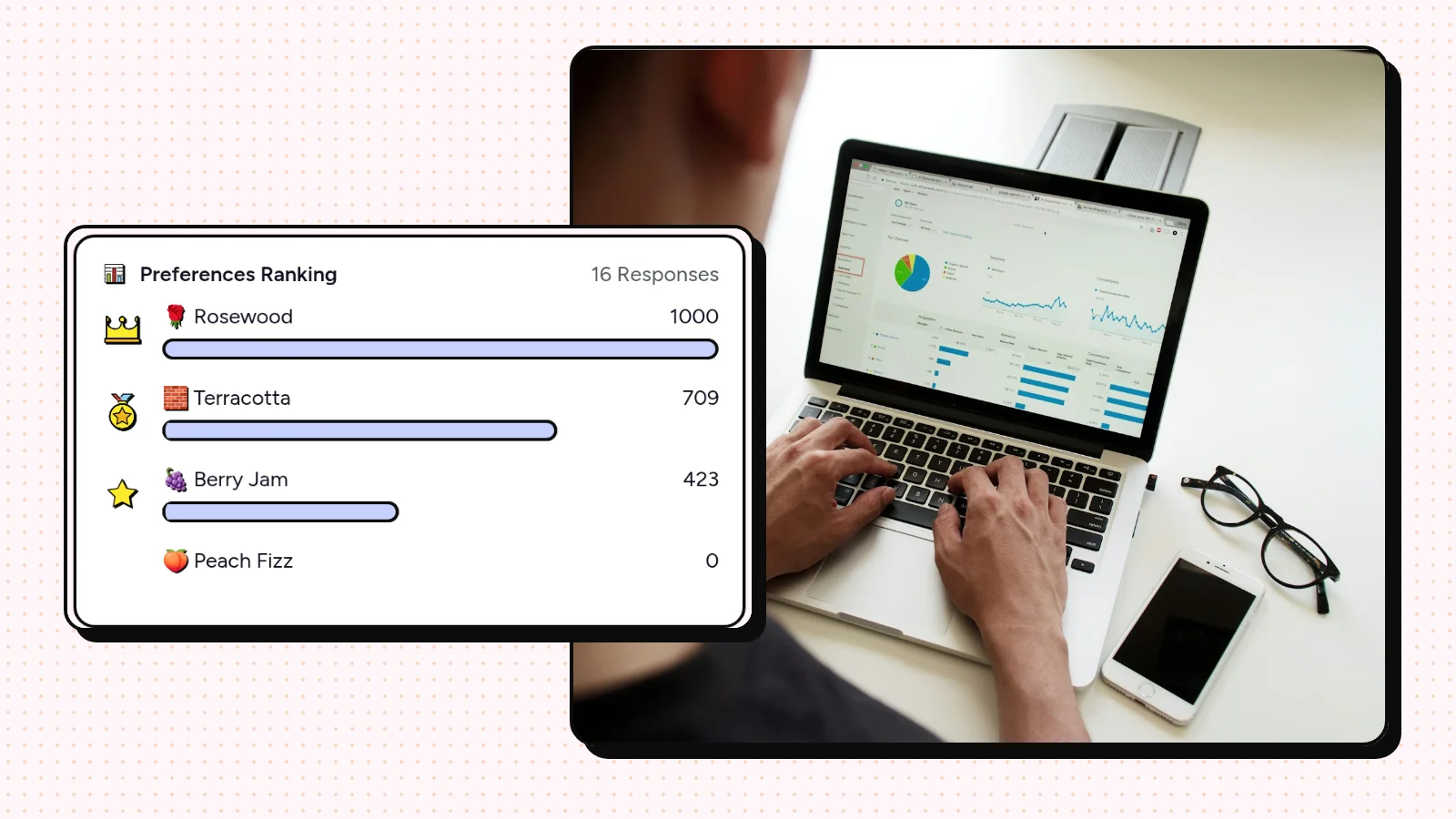
That is the part a complete-looking spreadsheet hides. Many free tools, Google Forms among them, record when a response was submitted but not how long each answer took, so this information never reaches your data. Some tools time each pick for you, and PingPolls (we know, a far less familiar name than Google Forms) does it on its ranking and card questions with the Certiscore™ confidence signal. Where your tool doesn't, the checks below still give you something concrete to report.
Which four checks can you run with any tool?
Even without time per question, four checks give you a routine you can defend, as long as you set them up before you share the link. Rules chosen after you have seen the data look like you kept the answers you liked, so write each rule down first and agree it with your supervisor.
1. Add one or two reverse-worded items
A reverse-worded item says the opposite of an item you already have, so someone who reads both can't strongly agree with both. Pair "I find it easy to concentrate during online lectures" with "I often lose focus during online lectures", place them a few items apart, and treat a respondent who strongly agrees with both as someone who wasn't reading. Remember to reverse-code the second item before you calculate scores.
2. Set a realistic minimum time before you collect
Answer the questionnaire yourself at a careful reading pace and ask two or three pilot respondents to do the same, then set a minimum well below the fastest careful time. If your tool records start and finish times, flag every response faster than that minimum, and if it only records when a response was submitted, note that limitation in your methods section instead of skipping the check silently.
3. Look for identical answer patterns
Straight-lining shows up as a row where every item on the same scale has the same value. In Excel or Google Sheets, a column with =STDEV.P(D2:W2) on each row returns 0 when every answer in that range is identical, and sorting by that column brings those rows to the top. An identical row isn't automatically careless, because someone can genuinely agree with every statement, which is why the reverse-worded pair from the first check decides it.
4. Write down what you removed and why
The first three checks only help if you can show what they found, so keep a log. For every response you remove, record its ID, the rule it failed and the date, and move the row to a separate sheet instead of deleting it. When your supervisor asks how you checked the answers, the log is the answer, and anyone can rerun your cleaning from it and get the same dataset. The thesis questionnaire guide shows where each of these checks sits in a full build, and if you recruit through a panel, the guide to preventing duplicate responses and spam adds the duplicate and bot checks.
How to describe your checks in the methods section
That log turns straight into a paragraph, because a methods section only needs each check, the rule you set before collection and how many responses each rule removed. A short version could read like this.
Three exclusion rules were set before data collection. Responses that agreed or strongly agreed with both items of a reverse-worded pair (items [x] and [y]) were excluded, as were responses completed in under [minimum] minutes and responses with identical answers across all [n] scale items that also failed the reverse-worded pair. Of [total] responses, [n] were excluded, leaving [n] for analysis. Excluded responses were kept in a separate file.
Adjust it to the checks you ran, and if your tool couldn't record completion time, say so. Examiners accept an honest limitation far more readily than a cleaning step nobody described.
Frequently asked questions
What are careless responses in surveys?
Careless responses are answers given without reading or thinking about the question, such as picking the same option for every item or answering at random to finish quickly. They look like real answers in the data, which is why the checks for them have to be planned before collection.
How do you detect careless responses in an online survey?
Combine several checks, because each one catches a different kind of carelessness. Reverse-worded pairs, a minimum completion time, identical answer patterns and time per question together tell you far more than any single one.
What should I do if some respondents filled in my questionnaire randomly?
Apply the exclusion rules you set before collection, move the excluded rows to a separate sheet and report how many each rule removed. If you didn't set rules in advance, agree them with your supervisor before you look at your results, and say in your methods section when they were set.
Are attention checks still enough on their own?
Keep them, because they still catch inattentive people. They are weak as your only check, since an AI agent in a 2025 PNAS study passed almost every one, so pair them with checks on answer patterns and time.
