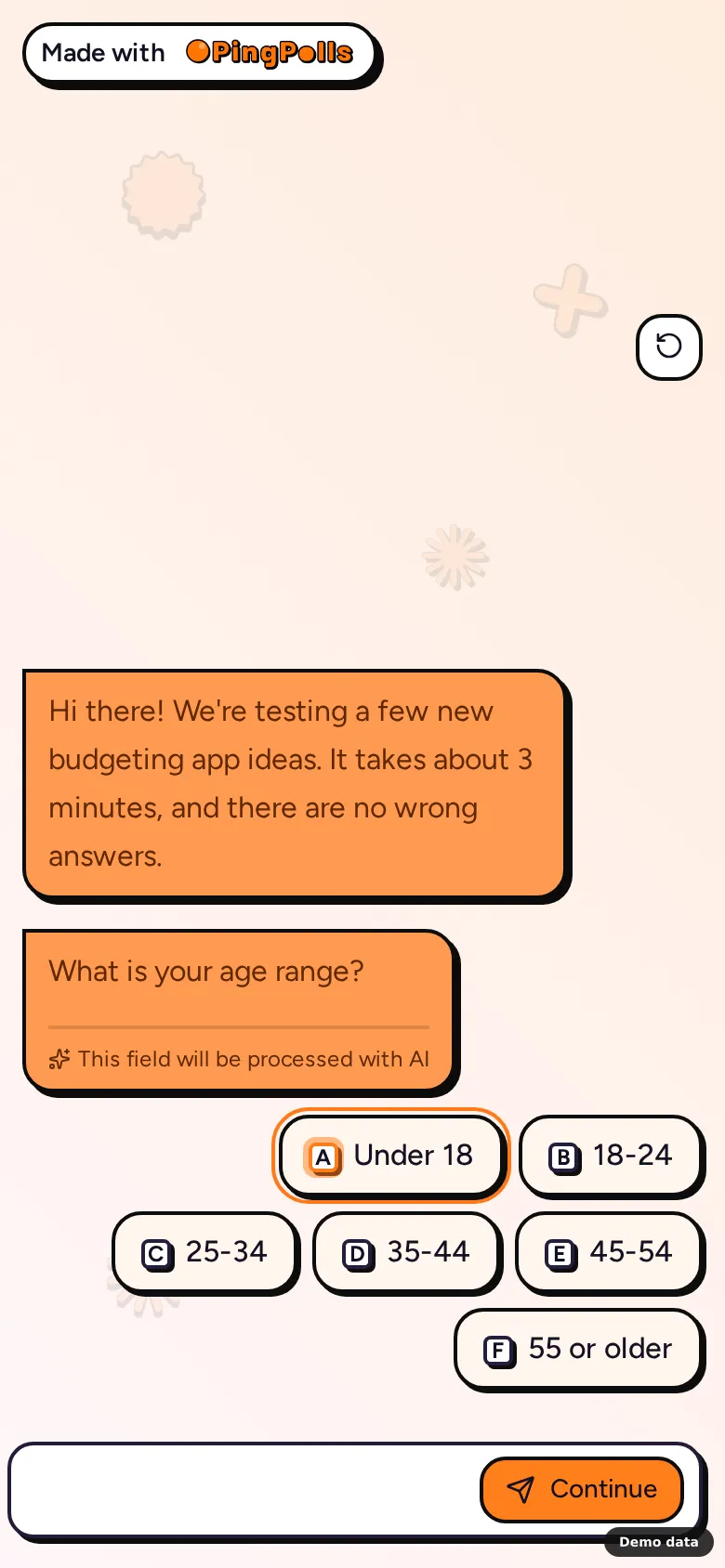
Elena's agency runs the same concept test for a client in several markets, and the client will ask whether respondents in each country understood the form. If the questions are in Japanese but the buttons, date picker and error messages are in English, some respondents rush or drop out, and that is exactly the kind of noise Elena has to explain later. Setting the form language in PingPolls puts everything around her questions into the respondent's language, so the only thing left to translate is what she wrote herself.
Each form has its own language setting. It doesn't depend on the respondent's browser or your account, which means one form always speaks one language and you decide which.
Languages you can choose
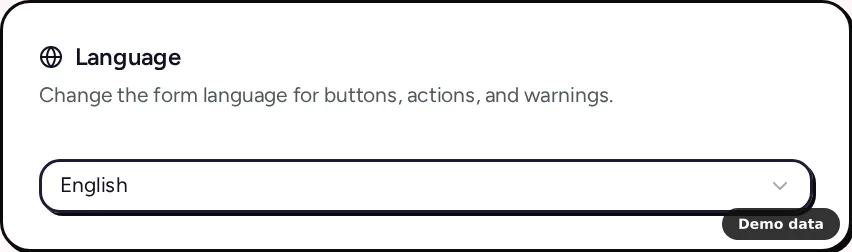
PingPolls forms can run in 12 languages, which the language list shows in their own names:
- English
- Bahasa Indonesia
- Deutsch (German)
- Español (Spanish)
- Français (French)
- हिन्दी (Hindi)
- 日本語 (Japanese)
- 한국어 (Korean)
- Português (Brasil)
- Tagalog
- Türkçe (Turkish)
- tiếng Việt (Vietnamese)
How to set your form's language
- Open the form in the studio and click Form Setup (the cog icon).
- Go to the Settings tab and pick a language under Language.
- Publish the form. The language is saved to your draft like any other studio change, so respondents see it after you publish.
For a form that is already live, you can also open it from Forms, go to the Settings tab of the form overview, choose the language and click Save settings. Changes there apply to the live form at once and carry over to the studio draft. Anyone with access to the form can change its language, not only the owner (see Form settings).
What changes, and what you translate yourself
The language setting translates everything PingPolls writes on the respondent's screens. That covers buttons, choices, date pickers, file upload messages, number fields, the phone field, result pages and general messages such as "not accepting responses". It also sets the number separators and date formats, and the language used for voice answers.
Your own content stays as you wrote it, because PingPolls does not translate questions, messages or result pages automatically. Write them in the form's language yourself, or describe the change to the AI composer in the studio and review what it writes (see Build a form with AI).
To run one study in several languages, Elena builds and checks the first form, then uses Duplicate on the Forms page for each market, sets the language on each copy and rewrites the questions. Each copy has its own link and its own responses, so every market stays easy to read on its own.
Limits worth knowing
- Every language has the same 120 interface strings, and a few still match the English text. Tagalog has the most at 14, French has 3, German and Indonesian have 2 each, and Hindi, Japanese and Turkish have 1 each.
- The respondent sign-in and password screens are in English for every form language.
- The phone number question picks its default country from the respondent's browser language, not the form language, unless you choose a default country yourself.
- The PingPolls dashboard, studio and billing pages are in English.
Frequently asked questions
Does the language depend on where my respondent is?
No. The form shows the language you chose for it, whatever the respondent's browser or location.
Can one form switch languages for each respondent?
Not today. Each form has one language, so for several markets you make one copy per language.
Does the language cost extra?
No. All 12 languages are available on every plan.
