Elena runs research at an agency, and every new project starts the same way. A client sends a brief, she turns it into a questionnaire, and a good part of the first day goes into writing questions she has written many times before. With the PingPolls AI form builder she describes the study in plain words, attaches the brief as a PDF, and gets a draft in the studio that she can review, tighten and send to the client for sign-off.
The AI builds the draft, and you stay in charge of it. It can add sections, questions, logic and results, but it never publishes, deletes the form or touches your passwords and integrations, so nothing reaches respondents until you decide it's ready.
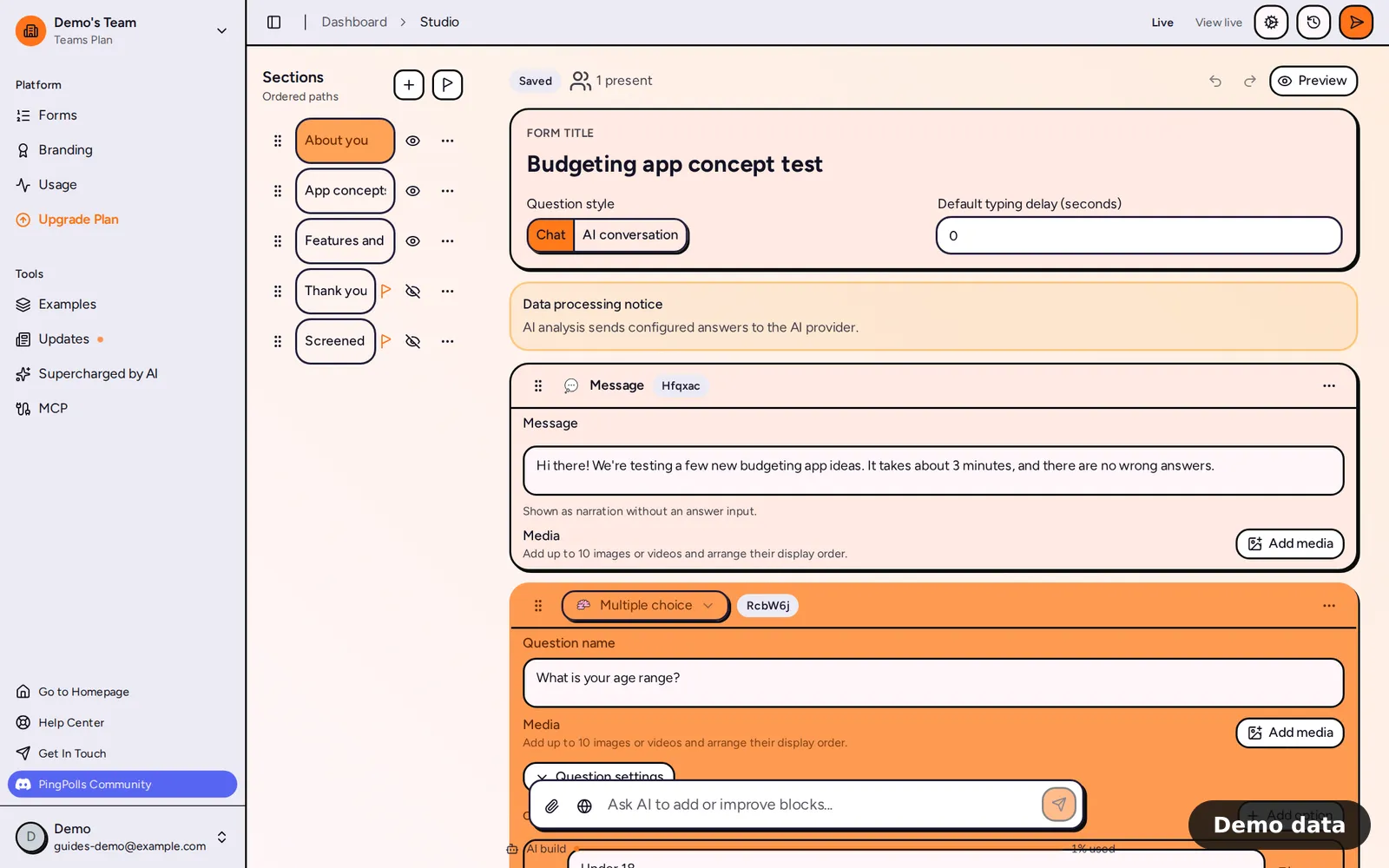
How to build a form with AI
- Open Forms and click Generate with AI (or New Form first, if you already have forms). This puts your cursor in the "Describe your form" box.
- Describe the form in at least three words, and give the AI what a colleague would need, such as the audience, the goal and the topics to cover. For example, "Concept test for a new budgeting app, for adults who track spending monthly, covering current habits, first impressions and willingness to pay".
- To build from a brief, click the paperclip and attach one PDF of up to 10 MiB. The PDF needs readable text, and the AI reads up to 100,000 characters of it.
- To let the AI look things up first, switch on web search. It can run up to 3 searches per turn on the public web and never searches for personal data.
- Send the prompt. PingPolls creates a draft, opens it in the studio and streams the AI's progress there, so you watch questions appear as they are written.
- If the AI needs one more detail, it asks a single clarifying question. Answer it in the composer at the bottom of the studio and the same run carries on.
- Review the draft, then use Preview and publish when it reads right. Create your first form covers the publishing step.
Keep improving the draft with AI
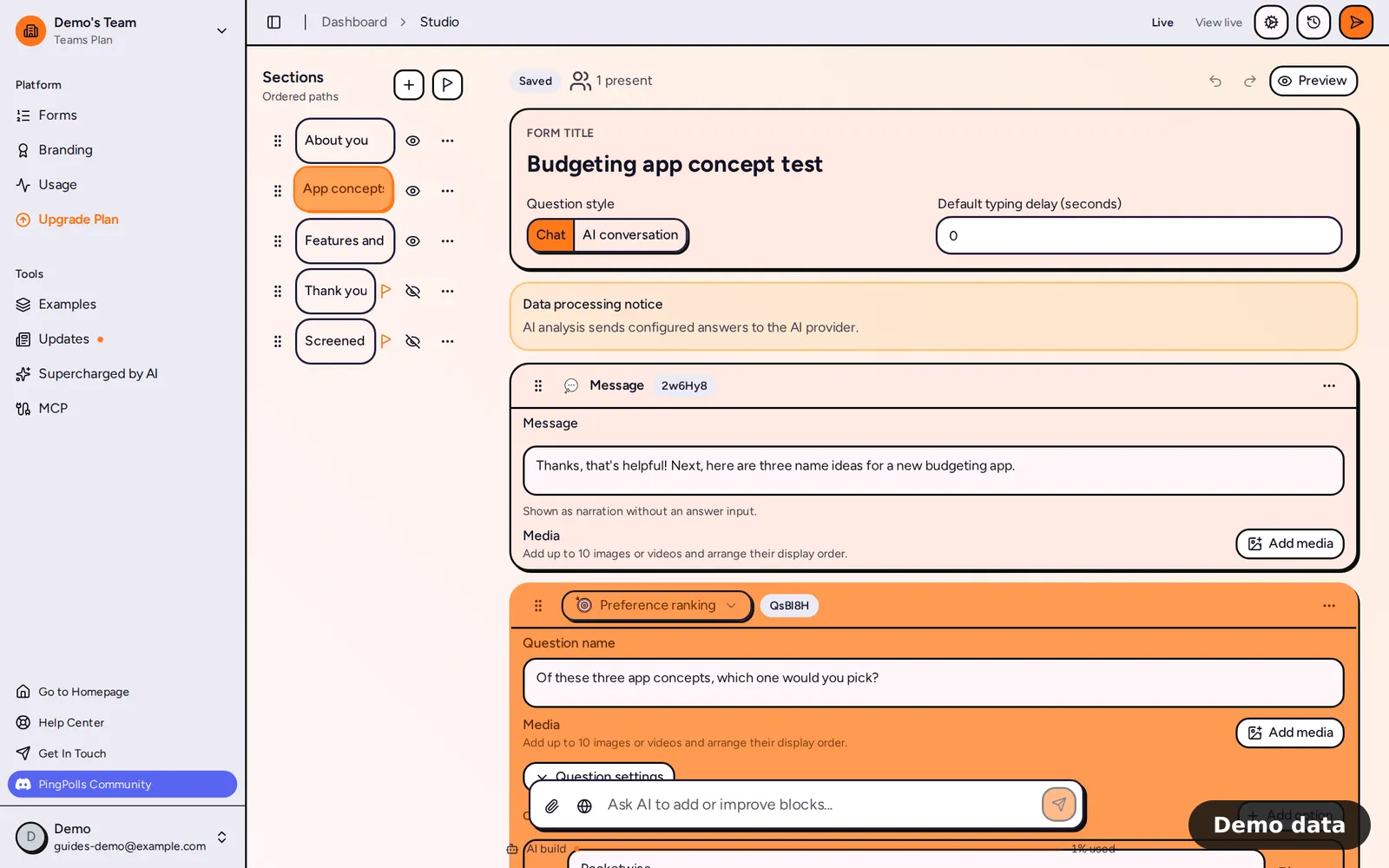
The composer stays at the bottom of the studio after the first draft, with the hint "Ask AI to add or improve blocks...". Elena uses it for the changes a client asks for, such as "Add a question about which competitor apps they have tried" or "Show the pricing section only to people who said they would pay". The AI edits the current draft and keeps your existing field names unless you ask it to rename them, so your exports and integrations keep matching.
While a run is working the editor is read-only, an AI editing badge shows, and you can cancel the run from the overlay. Each batch of AI changes is saved as its own version, so a run that fails halfway keeps what it already applied and tells you your changes are safe. If you'd rather go back, the Snapshots list lets you restore an earlier version (see Drafts, publishing and version history).
Limits and plan notes
Each team has a monthly AI build allowance, and a bar under the composer shows how much of it you've used this month. Every plan uses the same AI model, so a bigger plan gives you more building, not a different builder.
| Free | Pro | Teams | |
|---|---|---|---|
| AI build allowance per month | Included | 10x Free | 50x Free |
| Web searches per month | 0 | 100 | 500 |
| Attach a PDF brief | No | Yes | Yes |
- A prompt can be up to 48,000 characters.
- Only one AI run can work on a form at a time.
- When the allowance is used up, the run stops and the bar reads "Allowance used up". You can keep editing by hand as usual.
- The AI does not set or change a password, does not close every sharing channel, and refuses settings your plan doesn't include. When an editor (not the owner) starts the run, the AI isn't offered the owner-only settings at all.
Frequently asked questions
Will the AI publish my form?
No. Publishing stays with you, so the draft only goes live when you click publish yourself.
Can I undo what the AI changed?
The studio's undo button reverses your own edits, not the AI's. To go back to how the form looked before a run, restore an earlier version from Snapshots.
Why is the PDF button asking me to upgrade?
Attaching a PDF needs an active Pro or Teams plan, and web search needs search quota, which the Free plan doesn't include. See Plans and pricing for what each plan covers.
Does the AI remember earlier requests?
Yes, within the same form. Your last 6 runs on that form are used as conversation history, so follow-up requests like "make the last section shorter" work.
