On the Free plan, every published form shows a small "Made with PingPolls" mark in the corner, and a shared link shows our default preview image. On Pro and Teams you can replace that mark with your own logo or hide it, and pick the image that appears when the link is shared. That matters for Rina, because her followers open her shade test from her bio and stories, and a form that carries her brand from the preview card to the last question feels like part of her shop rather than a third-party survey.
You set this once in the Brand Kit for every new form, and you can still change it on a single form in the studio.
How to set your logo for every new form
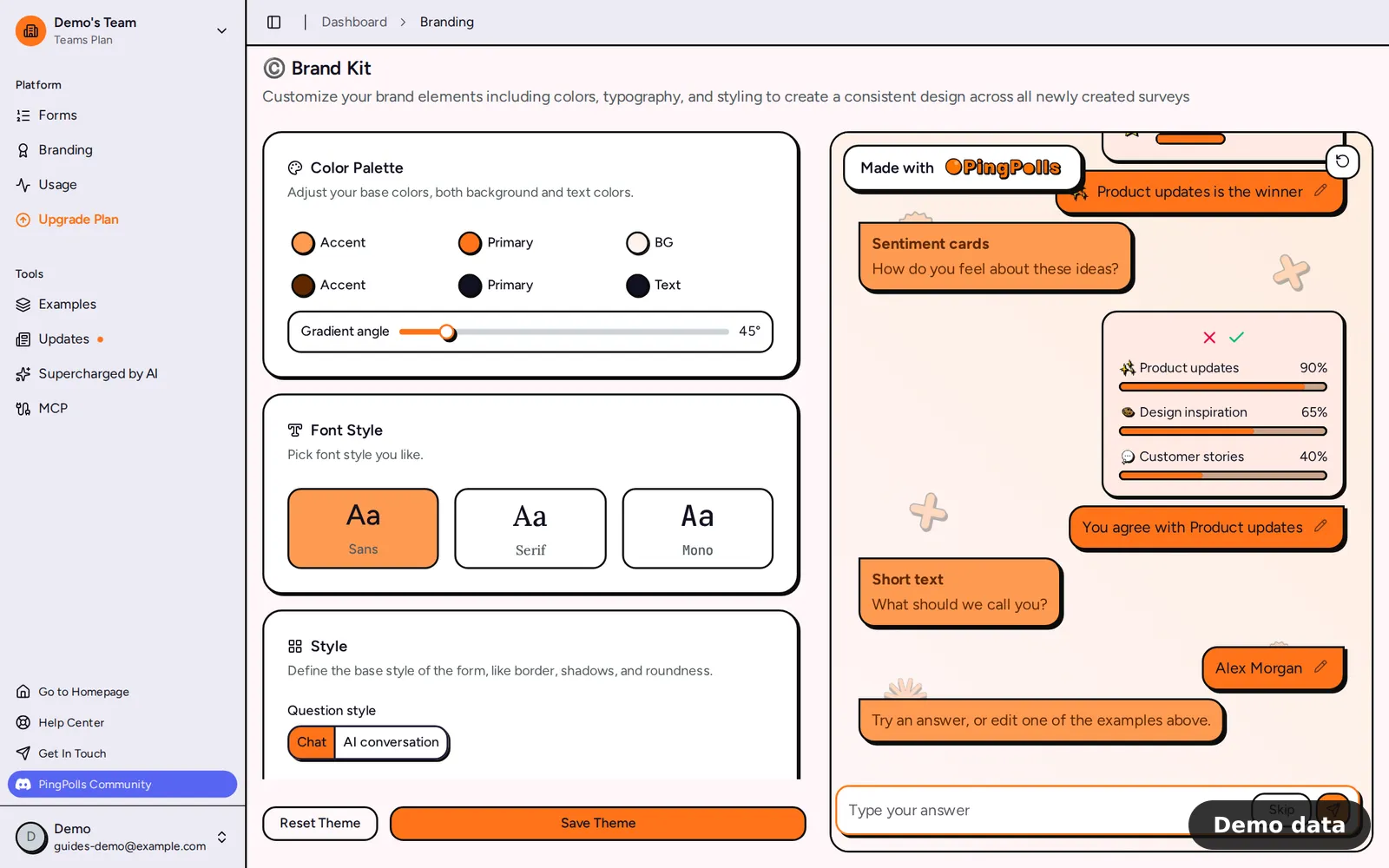
- Click Branding in the sidebar to open the Brand Kit.
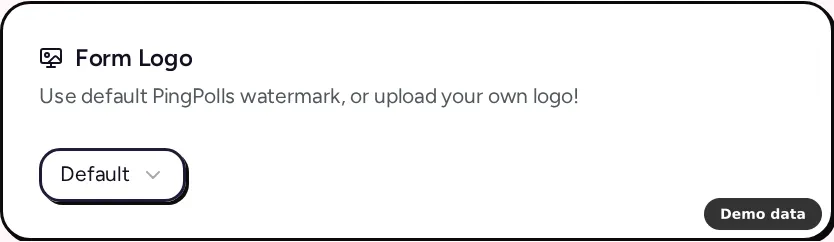
- Find the Form Logo card and open its list. Pick Custom to choose an image from your media, or No Logo to show nothing. Default keeps the PingPolls mark. A logo in a 1:1 or 16:9 shape fits best.
- In the Social Preview card, click the empty frame and choose an image. The optimal resolution is 1200x771.
- Click Save Theme. The live preview beside the settings shows the result before you save, and Reset Theme takes the editor back to the default PingPolls theme without saving anything.
Only the team owner can save the Brand Kit. If another member tries, they see "Only the owner can update global theme". The Brand Kit is copied into each form when it is created, so forms you made earlier keep their own look until you change them in the studio.
How to change the logo on one form
- Open the form in the studio and open Form Setup.
- On the Theme tab, use the Form Logo and Social Preview settings in the same way as above.
- Publish the form. Studio edits change the draft only, so the live form picks up the new logo when you publish.
If you like the result, the owner can click Set globally on the Theme tab to make this form's theme the team default for new forms.
Plan notes and limits
Your own logo and social image are included in Pro and Teams. On Free, the Form Logo and Social Preview cards show an Upgrade Plan button instead of the settings, and published forms always show the "Made with PingPolls" mark whatever logo was saved before.
A new social image can only be saved while the team has an active paid plan, otherwise the save fails with "A custom social image requires an active paid plan". If your plan ends later, we keep the saved image, but shared links show the default PingPolls preview until the plan is active again, and then your own image returns without uploading it again. The same rule decides the logo, so forms show the PingPolls mark again while the plan is inactive.
Colors, fonts, styles, corner radius and backgrounds are free on every plan, and the customize your form guide walks through them. To move the form address onto your own domain as well, see custom domains.
Frequently asked questions
Does my logo also show when the form is embedded?
Yes. The logo choice belongs to the form's theme, so it applies wherever the form opens, including the PingPolls link, your custom domain and an embed on your site.
Why does my shared link still show the PingPolls image?
Shared link previews use your social image only while your plan includes branding. Check that the image is saved in the Brand Kit or the form's Theme tab, that the form was published after the change, and that your plan is active on the Billing page.
Can a teammate change the logo?
Anyone with access to a form can change its theme in the studio. Only the team owner can save the Brand Kit or use Set globally.
